Overview
Built to practice real API workflow.
The goal of this project was to move past static pages and build a real interactive application. Users can type a Pokémon name, submit the search, and instantly receive data pulled from an external REST API.
Search by Name
Users can enter a Pokémon name and retrieve matching data from the PokéAPI.
Dynamic Data Display
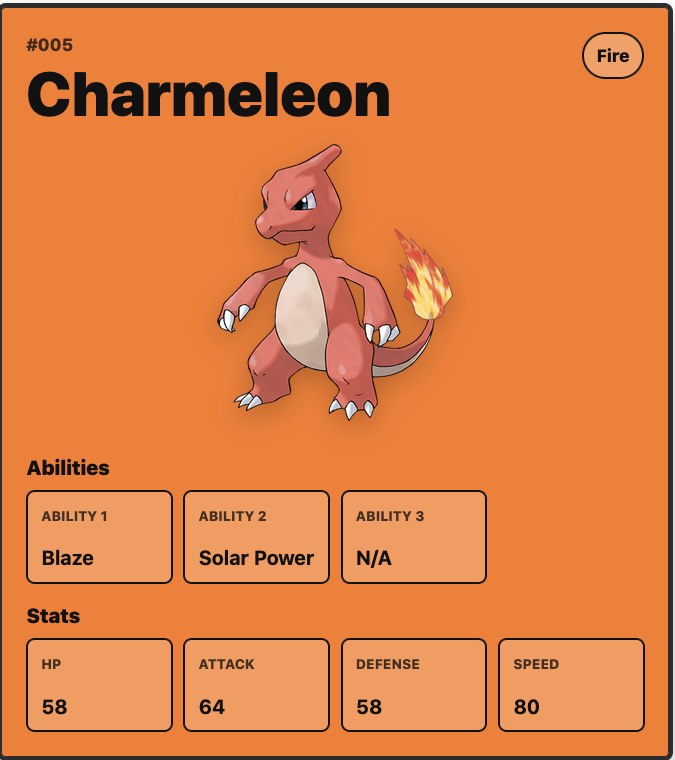
The app displays the Pokémon image, type, abilities, weight, and stat information.
Live API Fetching
Fetch, async/await, and JSON parsing are used to work with real-time external data.
Error Handling
Invalid searches return a clear “Pokémon not found” message instead of breaking the interface.
Screenshots
Project Preview
These screens show the app before a successful search and after rendering Pokémon data from the API.
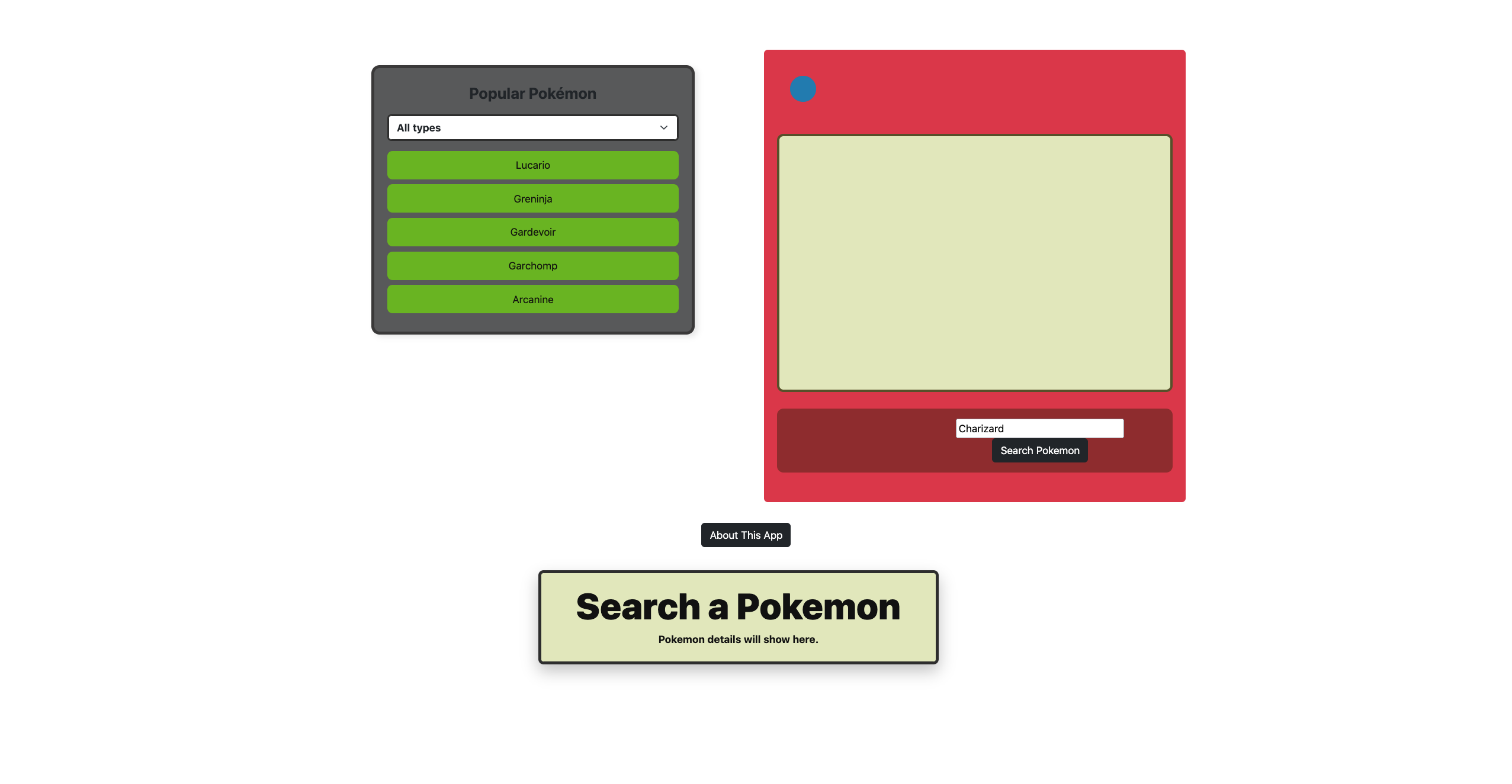
Search State
The starting interface includes a popular Pokémon list, a search input, and a placeholder detail card.
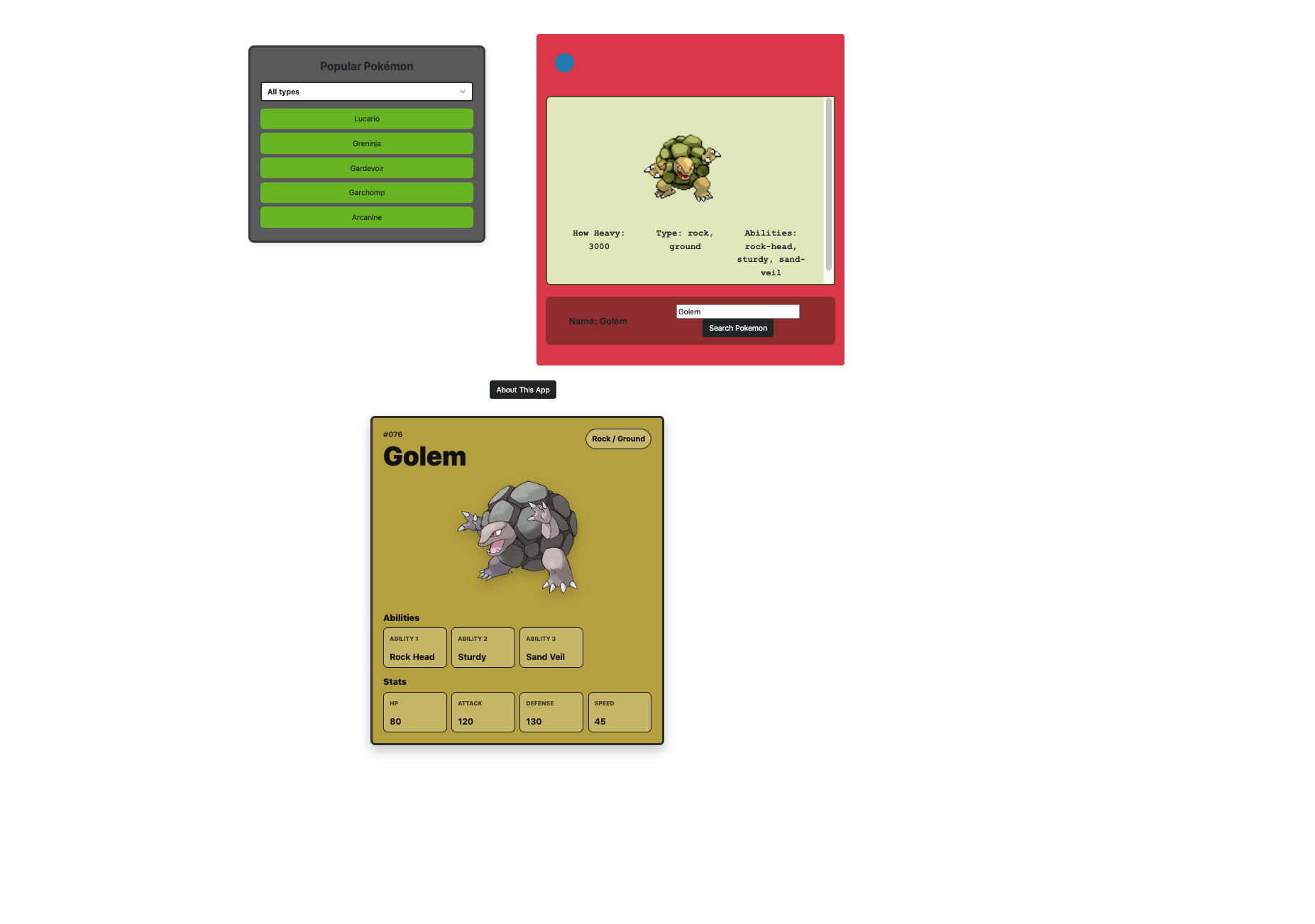
Result State
After a valid search, the app renders Pokémon data, including image, type, abilities, and stats.
Tech Stack
Tools used to build it.
This project combines front-end fundamentals with API-driven JavaScript logic to create an interactive user experience.
What this demonstrates
Core developer skills shown.
This project shows that I can connect a front-end interface to an external data source and transform API responses into a clean user interface.
Working with APIs
Uses fetch and async/await to request live Pokémon data from the PokéAPI.
Handling JSON data
Extracts nested API data such as sprites, types, abilities, and base stats.
DOM manipulation
Updates the page dynamically based on user searches and API responses.
Responsive UI structure
Uses Bootstrap and custom styling to keep the layout clean across screen sizes.
How to Use
Simple user flow.
- 1Enter a Pokémon name in the search bar.
- 2Click search or press enter.
- 3View Pokémon details instantly.
Future Improvements
Next features to add.
- ✅ Add a list view for multiple Pokémon
- ✅ Implement filtering by type
- ✅ Add loading animations
- ✅ Improve UI/UX with custom styling
Project Links
View the app or inspect the code.
The live demo is hosted on GitHub Pages, and the source code is available in the public GitHub repository.